Flash content is getting blocked in the latest versions of browsers. To enable it in Google Chrome,
first open your browser and type chrome://settings/content/flash in the address bar or go there from
menu "Settings / Privacy and security / Site settings / Flash". On a flash setting page, set toggle
to Ask first (recommended). Now, with Flash enabled, whenever you visit a webpage with Flash content,
you’ll need to click on the Flash player for it to start.
The Arena
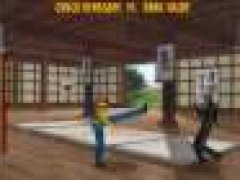
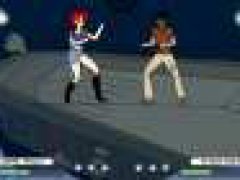
You are a gladiator named Mimimus this time, fighitng hard in an arena. Operation is super simple, there are just 2 buttons : left arrow key is used to block and the right key to attack! After it is super simple, when your opponent raises his lance, attack it (his life bar goes down), when you see that it points his lance towards you, block imediatement (if not your bar of life drops)!!!!! Well on the goal of the play and to manage cause a drop in the bar of life of your adersaire with 0!! If it is him which arrives there you lost!!!!!
The simplest way to play this Flash game is to install the Ruffle emulator extension in your browser. Here are the links for Chrome and Firefox.
If you want to play this game offline and without any browsers, then download .swf game file and use any Flash Player that runs .swf files.
For Windows users, official Adobe Flash Player works with most of the games.






Comments