Flash content is getting blocked in the latest versions of browsers. To enable it in Google Chrome,
first open your browser and type chrome://settings/content/flash in the address bar or go there from
menu "Settings / Privacy and security / Site settings / Flash". On a flash setting page, set toggle
to Ask first (recommended). Now, with Flash enabled, whenever you visit a webpage with Flash content,
you’ll need to click on the Flash player for it to start.
Cronch
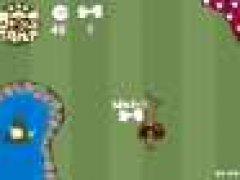
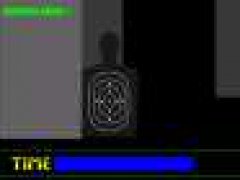
Once, on a quiet boring planet unknown to us, the only thing with excitement for the inhabitations seems like walking on hot sand in their vast deserts, but now and then the beast fighters gather in the dome for a competition about the glory to be the keeper of gewyrz. The gathering is called Cronch, a shooting game on www.flash-games.net where you can play alone or with your friend. To begin with, you choose a fighter then you shoot your opponent. Your enemy dies when his energy points revert to zero, so do you. You should shoot Extras which can refresh you. While firing, you can rotate towards left or right to shoot from different directions. Be careful about the deflected shots that will cause damage. Two rounds have to be won for victory.
The simplest way to play this Flash game is to install the Ruffle emulator extension in your browser. Here are the links for Chrome and Firefox.
If you want to play this game offline and without any browsers, then download .swf game file and use any Flash Player that runs .swf files.
For Windows users, official Adobe Flash Player works with most of the games.











Comments